
A printable 2027 calendar, made for your plans
A printable 2027 calendar is a dated page you can download, print, and keep somewhere useful. A yearly sheet shows January through December together. A monthly sheet gives each date its own writing space. Both put your plans in view without opening an app, charging a device, or sharing another online account.
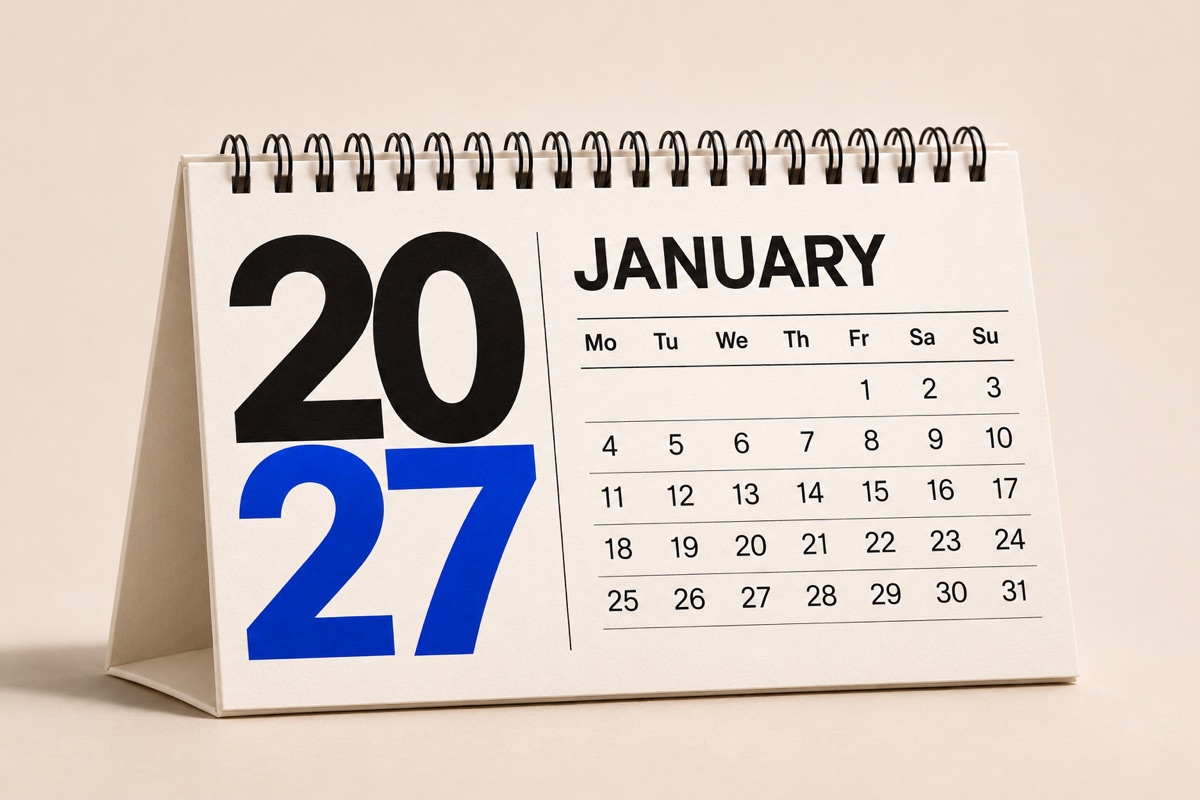
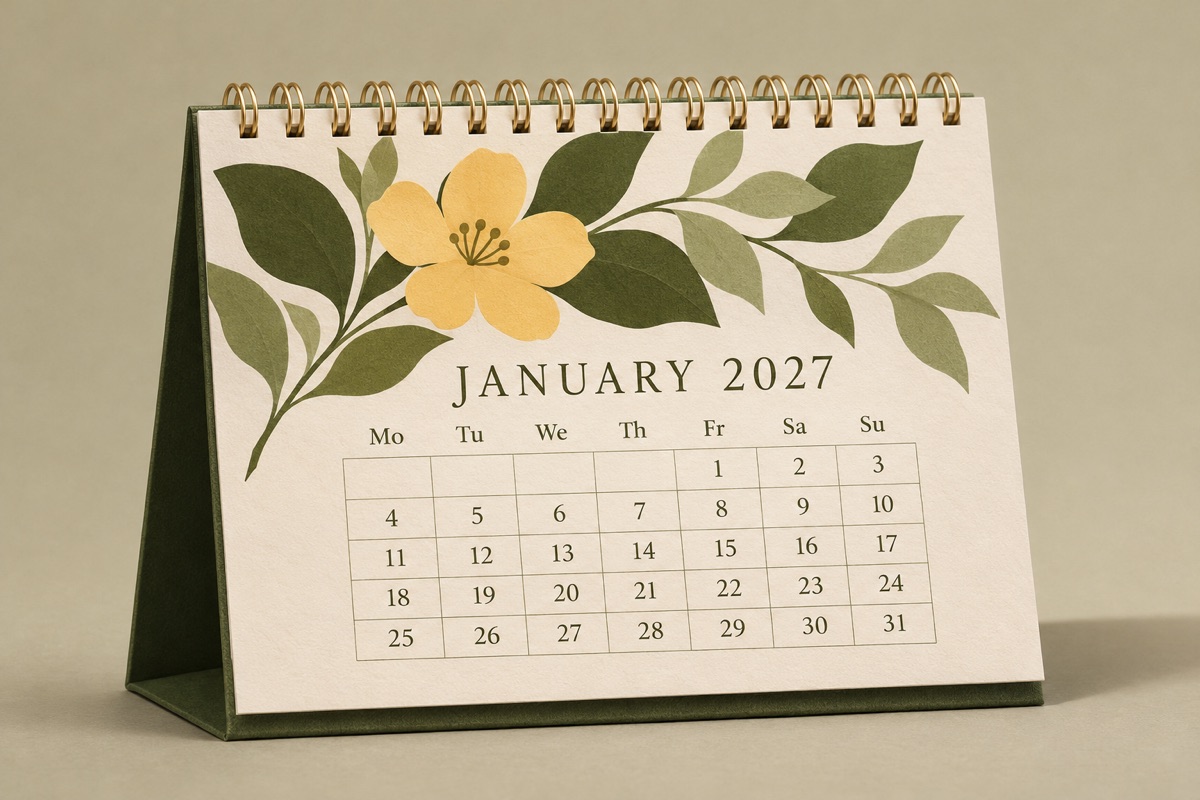
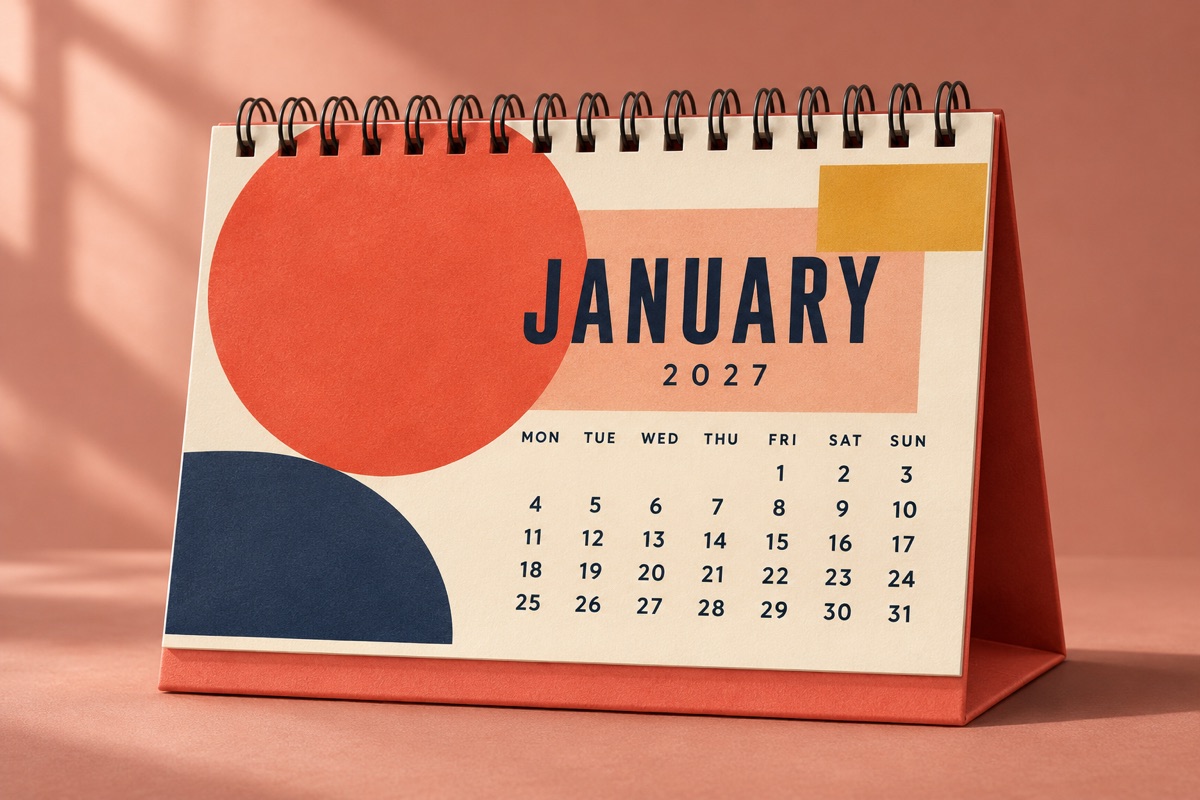
The generator above builds both formats from the same date grid. The year 2027 starts on Friday and contains 365 days; February ends on the 28th. Use the preview to check the layout before saving your file. Every download has a white paper background, clear weekday labels, and generous margins for ordinary home printers.
Full year or monthly: choose your working view
Choose Full year when you need a 2027 year-at-a-glance calendar for long projects, school terms, travel, or deadlines. Twelve small month grids fit onto one page. Portrait works well inside a binder, while landscape spreads the months across a wider desk or noticeboard. It is a reference sheet rather than a detailed daily planner.
Choose One month for appointments, chores, and handwritten reminders. The larger day boxes leave room for short notes. Select 12 months to create one PDF with a separate page for every month, then print the whole set or only the pages you need. All twelve pages share your chosen paper size, colors, and week start.
How to generate your 2027 calendar
Start with a layout, choose A4 or US Letter, and set the orientation. Next, decide whether your weeks begin on Monday or Sunday. The preview updates as you change each option, so you can compare formats before downloading. Use the month shortcuts above to jump straight to a particular monthly calendar.
Add an optional title for a family, classroom, team, or personal goal. Choose Coral, Ink, or Forest, and switch weekend highlighting and note lines on or off. Download PDF saves the selected calendar; Print calendar opens a print dialog. Preview SVG saves the displayed sheet as a scalable image, including the currently previewed month in a twelve-page set.
A4 or US Letter: match your paper
A4 measures 210 × 297 mm. US Letter measures 8.5 × 11 inches, or 215.9 × 279.4 mm. These shapes are slightly different, so choose the paper actually loaded in your printer. The generator changes the document dimensions and preview together rather than stretching a finished calendar onto a different sheet.
Portrait is convenient for folders and narrow wall space. Landscape gives monthly boxes more horizontal writing room. If you want to reuse a calendar as part of a larger printed design, download the preview SVG and check our paper size guide. Keep important text inside the existing margins when placing it into another document.
Choose Monday or Sunday before you print
Week start is a practical choice, not a change to the dates. A Sunday-start calendar places Sunday in the first column. A Monday-start calendar puts the working week together and groups Saturday and Sunday at the right. Pick the order you already use so appointments are easier to read at a glance.
Weekend highlighting follows the actual weekdays whichever order you select. Turn it off for a quieter monochrome sheet, or leave it on to separate work and rest days. This template does not add public holidays. Write in the national, regional, school, or workplace dates that apply to your location after checking their official schedules.
Put your calendar somewhere it gets used
For a household, keep a monthly page near the kitchen and give each person a pen color. Teachers can use a year sheet to map terms and monthly pages for lessons. A small business can mark launch dates, appointments, and delivery windows. Start with the dates you must remember, then add flexible tasks around them.
Avoid squeezing a complete task list into every box. Use short labels and put extra context in the notes area. Reprint a single month when plans change rather than replacing the entire year. Because your customizations are processed in the browser, you can make a fresh calendar without creating an account or uploading your planning details.
Get a clean, readable print
Open the downloaded PDF and choose the matching paper size and orientation. Start at Actual size or 100% scaling. If your printer reports a clipped margin, use Fit to printable area and inspect its preview. Turn off browser headers and footers when printing directly so the page address and date do not surround your calendar.
Print one test sheet before a twelve-month batch. Check that small dates remain readable and that your chosen color suits the paper. Ink is a useful option for black-and-white printing. The PDF uses high-resolution pages for clear output; the SVG preserves the displayed calendar as scalable artwork. Save the original file if you expect to print another copy later.
Frequently asked questions
Is this printable 2027 calendar free?
Yes. Creating a calendar, downloading its PDF or preview SVG, and printing are free. You do not need an account or credits. The exported sheets contain your chosen calendar and optional title, without a site watermark.
Can I download all 12 months in one PDF?
Yes. Select 12 months, customize your settings, and download the PDF. It contains January through December 2027 on twelve separate pages. The preview arrows let you inspect each page. Full year instead puts all twelve months on a single sheet.
Is 2027 a leap year?
No. 2027 is a common year with 365 days, and February has 28 days. January 1, 2027 falls on a Friday. The generator places each date under its correct weekday for either a Monday-start or Sunday-start layout.
Does the calendar include holidays?
Public holidays are not prefilled. This keeps the printable calendar useful across countries and regions. Add your local holidays, term dates, and personal events by hand after printing, using official local schedules to confirm any observed dates.
Will my calendar print correctly in black and white?
Yes. Select Ink for a neutral design and disable weekend highlighting if you prefer uniform dates. The background stays white in every color option. Use a test page to check readability before printing the full twelve-month calendar.